Let’s be honest, the thought of moving your entire server infrastructure from your office to a data center probably ranks somewhere between “root canal” and “tax audit” on your list of favorite activities. You’ve got that nagging voice in your head asking: What if something doesn’t power back on? What if I plug the wrong cable into the wrong port? What if everything breaks and it’s all my fault?
Take a breath. Thousands of IT managers have successfully migrated hardware to data centers, and you’re about to join them. The difference between a smooth migration and a disaster isn’t luck; it’s preparation. Here’s your step-by-step guide to moving day without the stress ulcer.
The Week Before: Inventory and Backup Everything
Before you touch a single cable, you need two things: a complete inventory and bulletproof backups.
Start with a detailed audit of what you’re moving. Document every piece of equipment, its current location, its dependencies, and, crucially, what it actually does. That mystery 1U server tucked in the corner? Find out what it runs before moving day. Nothing derails a migration faster than discovering a critical application lives on hardware nobody remembered existed.
Create configuration backups of everything: switch configs, router settings, firewall rules, server images. Store these backups in at least two locations, with one copy in immutable storage that can’t be altered or deleted. This is your safety net. If something goes sideways during the move, you can restore to a known-good state.
Test your backups before moving day. An untested backup is just a file taking up space. Spin up a test restore to verify your data is intact and your documentation is accurate. The future you will thank the present you for this paranoia.
Three Days Out: The Great Labeling
This is where most migrations succeed or fail, and it happens before you even pack the first box.
Label absolutely everything. Yes, everything. Every cable, every port, every power supply, every piece of equipment. Use a label maker, not a Sharpie; Sharpie fades and smears when you’re sweating through moving day.
Here’s the labeling system that works:
Cable labels: Tag both ends of every cable with matching identifiers. Use a format like “SRV01-ETH1-TO-SW01-P12” so you know exactly where each end connects. Take photos of the back of each device before unplugging anything. These photos are worth their weight in gold during re-rack.
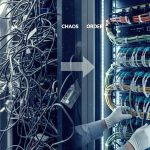
Equipment labels: Tag each piece of hardware with its destination location in the new rack. If you’re moving from a messy office setup to a clean data center, map it out beforehand. Create a rack elevation diagram showing exactly where each device will live.
Port mapping: Document which applications and services run on which ports. When you’re standing in a data center at 11 PM, wondering why the database server isn’t responding, you’ll want to know that it should be on port 3306, not 3316.
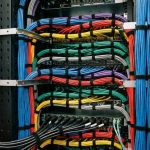
Color-coding helps too. Use different-colored labels for different network segments: blue for management, red for production, yellow for storage, and green for backup. Your eyes will pick up patterns faster than reading text on every label.
The Night Before: Final Prep and Pack
Get your transport supplies ready. You’ll need:
- Anti-static bags and foam for drives and sensitive components
- Original equipment boxes if you kept them (you did keep them, right?)
- Heavy-duty padding and bubble wrap
- Cable management velcro straps
- Zip ties for securing loose items
- A toolkit with every screwdriver and adapter you might need
- Packing tape that doesn’t mess around
Remove any PCI cards that might jostle loose during transport, graphics cards, RAID controllers, and network cards. Bag them separately and label each with the server they came from. Hard drives in external enclosures should be removed and packed with extra padding. SSDs are more resilient, but spinning disks are fragile. Treat them like eggs.
Shut down systems in the correct order—applications first, then databases, then infrastructure services. Document the shutdown sequence; you’ll reverse it during power-on.
Take one more round of photos showing cable management before disassembly. Pack cables separately from equipment when possible, and organize them by device or rack location. Nothing’s worse than having all your servers ready to go, but your cables in a tangled mess at the bottom of a box.
Moving Day: Transport Like You Mean It
Climate-controlled transport isn’t optional; it’s mandatory. Electronics and extreme temperatures don’t mix. If you’re doing this yourself, keep the vehicle climate-controlled. If you’re using movers, verify they understand they’re transporting sensitive electronics, not office furniture.
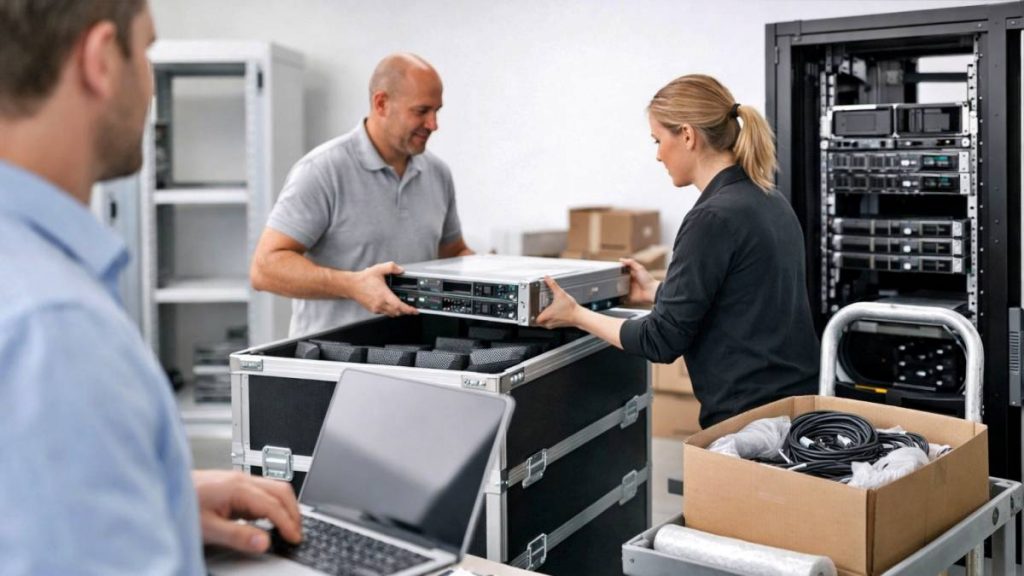
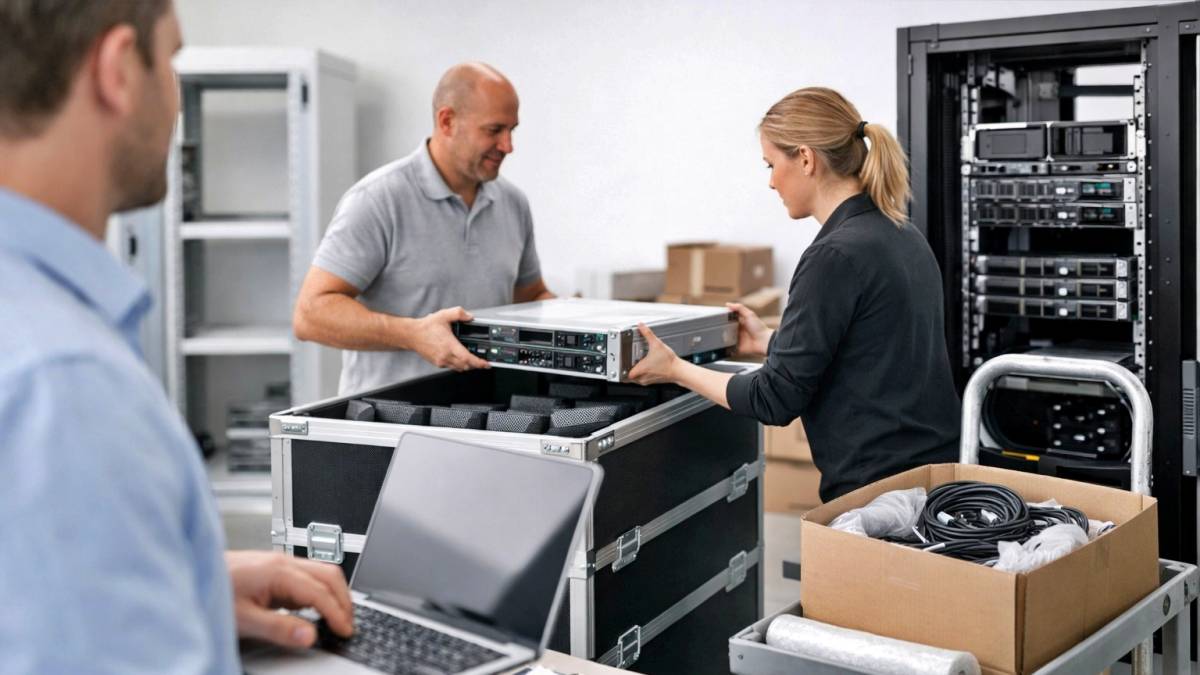
Secure everything so it doesn’t shift during transport. Servers sliding around in the back of a truck is how you get bent chassis and dislodged components. Stack carefully, placing heavy items on the bottom and padding between each piece.
Carry your backup drives with you separately. Never transport your primary equipment and your backups in the same vehicle. Yes, this seems paranoid. But imagine explaining to your CEO why you lost everything in a traffic accident.
Plan for bathroom breaks, food, and delays. Rushing leads to mistakes. Moving day is not the day to push through fatigue.
The Re-Rack: Slow and Steady
You’re in the data center. You’ve got your equipment. This is where the labeling and photos pay off.
Start with infrastructure: network switches, routers, firewalls. Get your connectivity established before you worry about servers. Test each network connection before moving on to the next one. Don’t connect 30 cables and then wonder which one isn’t working.
Install equipment in your planned rack positions. Use proper cable management: you’re in a professional data center now, not a closet. Future maintenance will be easier if cables are neat and accessible.
Reconnect cables one device at a time, referencing your photos and labels. Don’t rush this. A misplugged network cable can cause baffling connectivity issues that take hours to troubleshoot.
Before powering anything on, double-check power connections. Data center power isn’t like office power: verify you’re using the correct PDUs and circuits. Overloading a circuit is not how you want to introduce yourself to data center operations.
First Power-On: The Moment of Truth
Power on infrastructure first: switches, routers, core services. Wait for each component to fully boot and verify it’s operational before moving to the next.
Then bring up servers in the correct order: domain controllers, DNS, database servers, application servers, and finally user-facing services. Monitor each boot sequence. Watch for POST errors, unusual noises, or warning lights.
Test connectivity systematically. Can servers reach the network? Can they reach each other? Can they reach the internet? Does DNS resolve correctly? Are your applications responding?
Don’t declare victory the moment everything powers on. Let systems run for at least an hour under monitoring. Check temperatures, fan speeds, and error logs. Some issues only appear under load or after thermal cycling.
The First 48 Hours: Stay Vigilant
Keep close watch for at least two days after migration. Some problems don’t surface immediately: they appear when specific processes run, during backup windows, or under particular load conditions.
Monitor resource utilization: CPU, memory, disk I/O, network throughput. Make sure everything performs as expected in the new environment. Data center infrastructure is different from office infrastructure: cooling, power quality, and network characteristics can affect performance.
Update all your documentation with the new configuration, any changed IP addresses, and rack locations. Schedule a post-migration review with your team to document lessons learned and refine your process for next time.
You’ve Got This
Migration doesn’t have to be a nightmare. With proper preparation, methodical execution, and good documentation, you can move hardware with confidence. The key is respecting the process: label everything, test your backups, transport carefully, and take your time during re-rack.
Thousands of IT managers have successfully made this move. The ones who sleep well afterward are the ones who didn’t skip steps trying to save time.
Need help planning your migration to a data center? Reach out to our team: we’ve guided countless organizations through smooth transitions, and we’re happy to share what we’ve learned.
Now go label those cables.